Friday, June 28, 2019

The 11 Top WordPress Landing Page Templates in 2019

Anyone can create a website. Just because you own or manage a website, it doesn’t automatically mean that you’re a natural born designer.

But the design and layout of your website will have a huge impact on its success.

In fact, 48% of people say that the design of a website is the top factor they use when it comes to determining how credible a business is. 38% of people will stop using websites with unattractive layouts.

So if you want to create unique and beautiful landing pages without having to design them from scratch, you’re going to want to use pre-designed templates. WordPress is the best place to find these.

That’s because WordPress is the most popular CMS platform in the world, and has been for the past seven years in a row.

It controls nearly 60% of the entire CMS market across the globe. With more than 500 new sites launching on WordPress each day, it’s also the fastest growing CMS worldwide. 34% of the whole internet is run via WordPress.

So if you were on the fence about using WordPress to manage your site, hopefully now you’re convinced.

For those of you who are already using WordPress, you’re ahead of the game. Now it’s time to design the best landing pages for your WordPress site.

With so many options to choose from, I’ve narrowed down the top 11 WordPress landing page templates to make the decision much easier for you.

1. Landkit
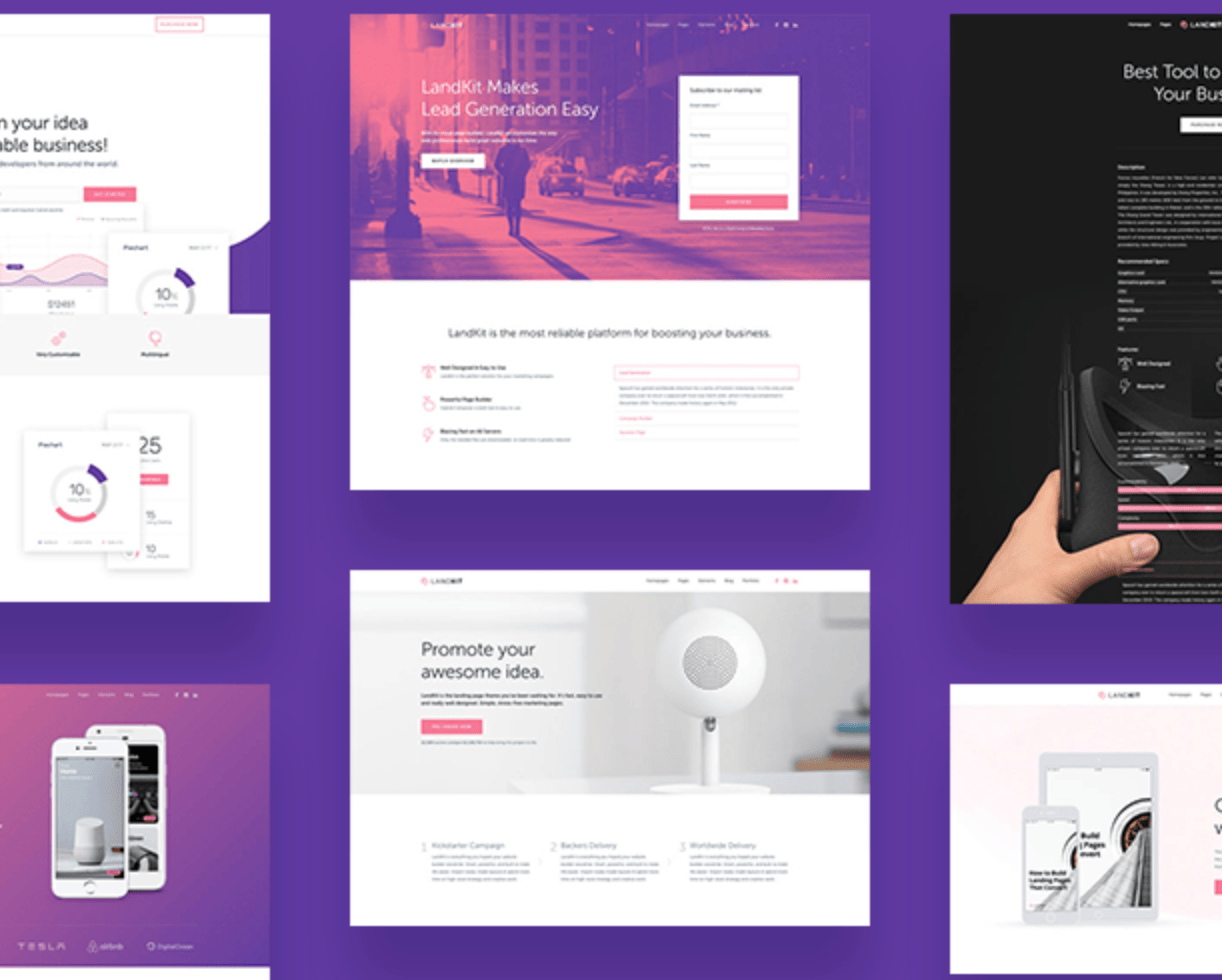
Landkit

Landkit is extremely easy to use, yet it’s designed for high performance. The hybrid composer page builder makes it possible for you to design your website without having to write any code.

It doesn’t use many server resources, which makes it perfect for websites with high volumes of traffic. You can use the Landkit template to functionally present information in a way that’s attractive to your website visitors.

Another reason why I recommend Landkit is because the landing page templates are so versatile. They can be used for pages related to things like:

  • Lead generation
  • Ebook downloads
  • Webinar registrations
  • Online services
  • Free trial page
  • Mobile app showcase
  • Contest details
  • Crowdfunding
  • New product launch
  • Coupons

The list goes on and on. Landkit makes it easy for you to change the colors to match your website color schemes. It’s also compatible with the WooCommerce plugin, for those of you who are using WordPress for your ecommerce site.

Landkit has more than 70 page elements for complete customization. You can choose from 12 header styles, and add use the built-in WordPress mega menu. This landing page theme can be purchased for $49.

2. Landing
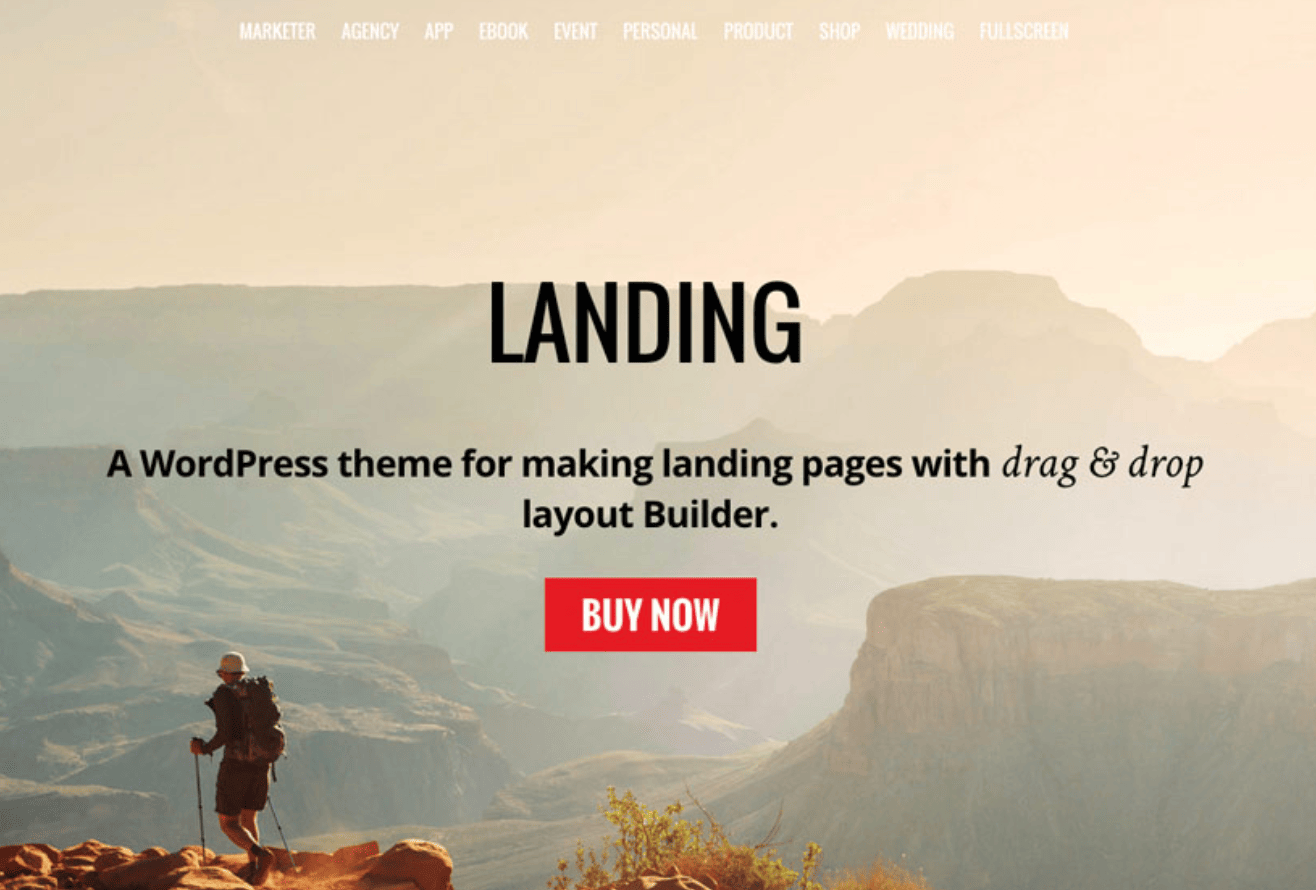
Landing

The Landing template from Themify is another versatile option for you to consider. It comes with a drag and drop page builder, making it easier than ever before to customize all of the page elements to your liking.

Landing has more than 25 builder layouts for you to choose from, based on the type of page that you want to create.

There are options specifically created for products, portfolios, marketers, events, ebooks, weddings, agencies, restaurants, mobile apps, personal pages, and more.

I like this template because it has a responsive design on all devices, and it’s retina ready as well. Landing has cool header options such as:

  • Default header
  • Transparent with text
  • Transparent
  • Transparent with no logo
  • No header

These choices are ideal for those of you who want to draw more attention to background images and CTAs on your landing page. Another benefit of Landing is the fact that it has MailChimp integration, so you can use this landing page to collect email addresses.

The standard Landing WordPress template costs $59. Developers can buy it for $69.

3. BeOnePage Lite
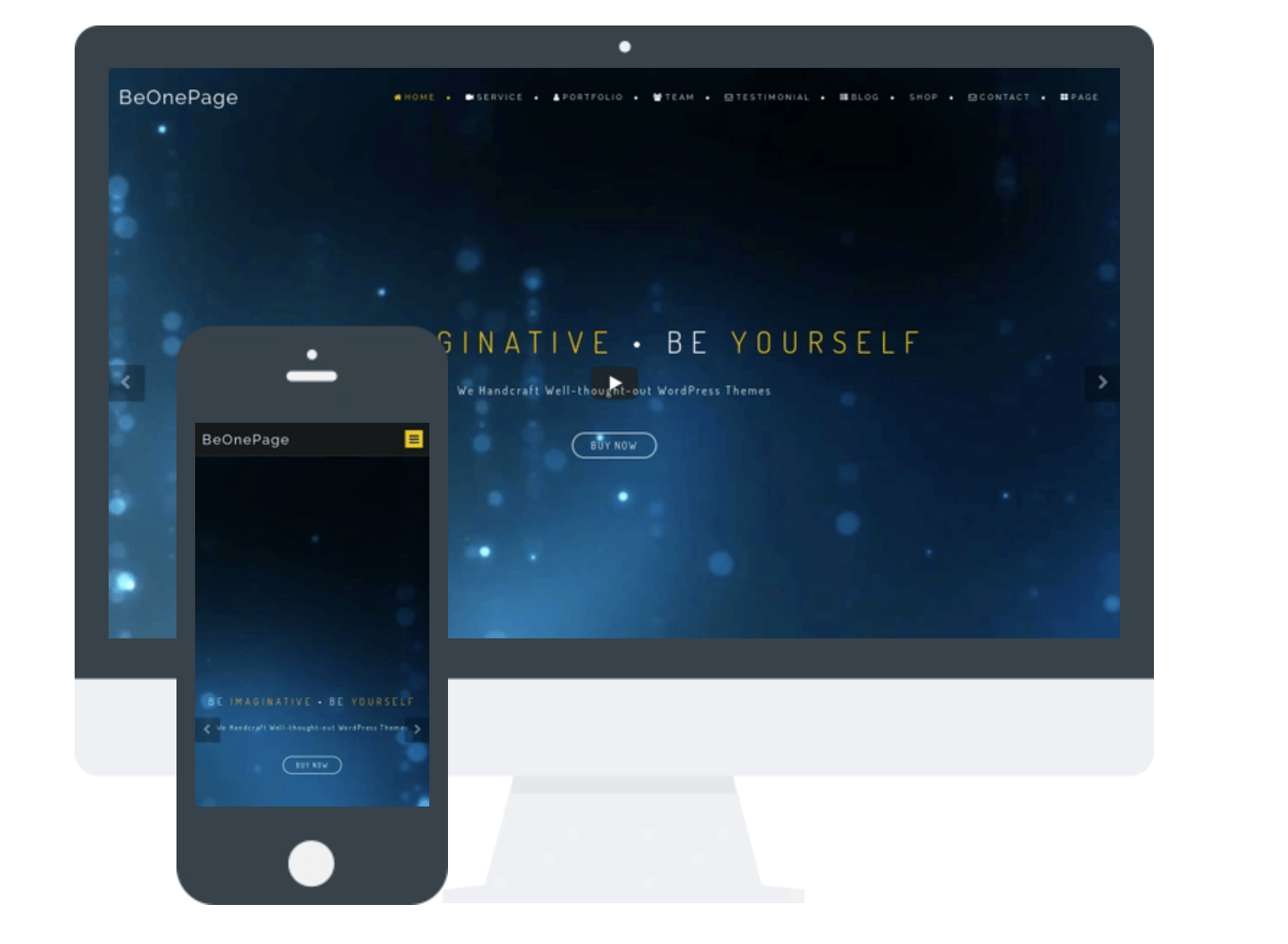
BeOnePage Lite

BeOnePage Lite is meant to portray a futuristic and interactive design. This template can be customized to be colorful as well. It comes with a full-screen layout and slider that can be used to display things like images, videos, icons, and other graphics.

Another benefit of this template is that it can support several different media files. The parallax effect of BeOnePage Lite ensures that all scrolling will be very smooth on the user’s end.

It has a responsive design, with lots of customizable options for you to consider. BeOnePage Lite is a retina ready template that can be used as a landing page for virtually any website.

So if you’re looking for a modern WordPress template that’s free to install, BeOnePage Lite should be taken into consideration.

4. Foton
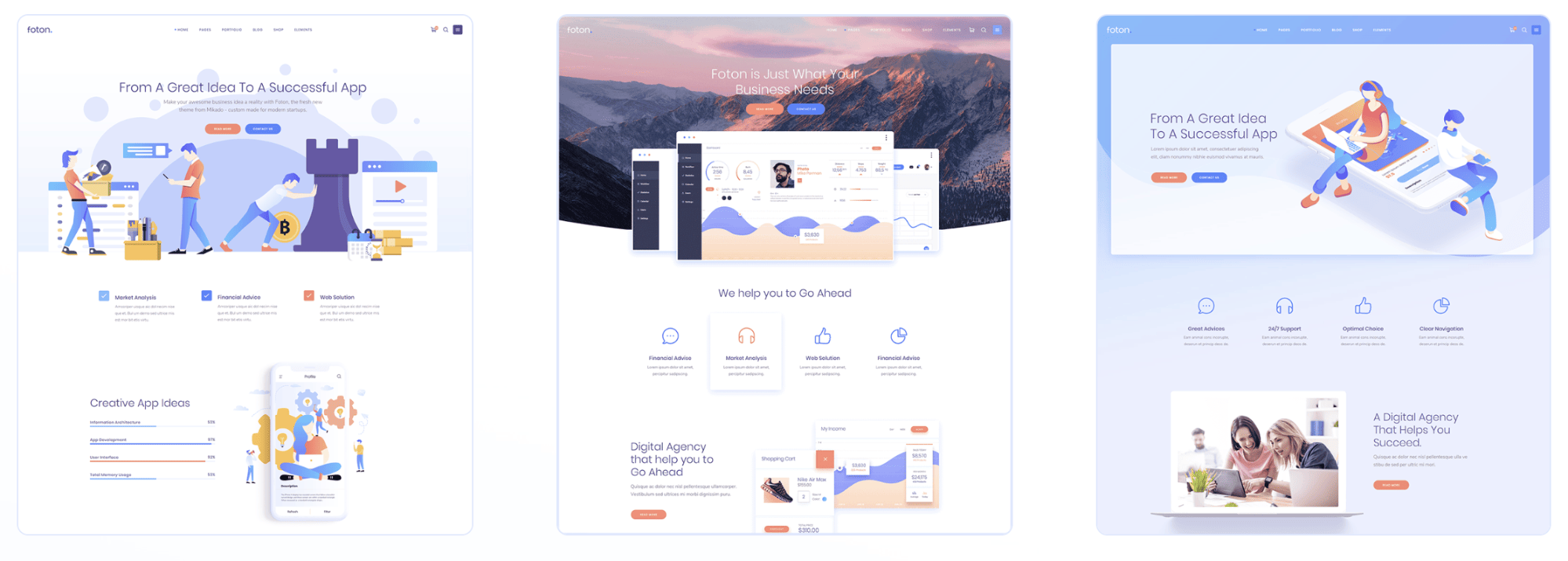
Foton

Foton was developed with software and mobile app promotion in mind. So for those of you who are creating a landing page to drive mobile app downloads or sell software, this template should be at the top of your list.

You can import this template into WordPress with just one click. To customize your page settings, you can take advantage of the drag and drop page builder, which is extremely easy for anyone to use.

No coding is required to use Foton. It has WooCommerce integration, slider revolution, and excellent support. It’s also fully responsive and easy to change color themes.

Foton comes with free plugins and is optimized for SEO purposes. It has shortcodes designed for portfolios as well, such as lists, projects, sliders, galleries, masonry, and hover layouts.

Transitions from page to page are very smooth. The font sets and icons are attractive and easy to change as well. Shortcodes for videos and call-to-actions are definitely ones that you’ll want to take advantage of.

The Foton WordPress landing page template is priced at $59.

5. Jevelin
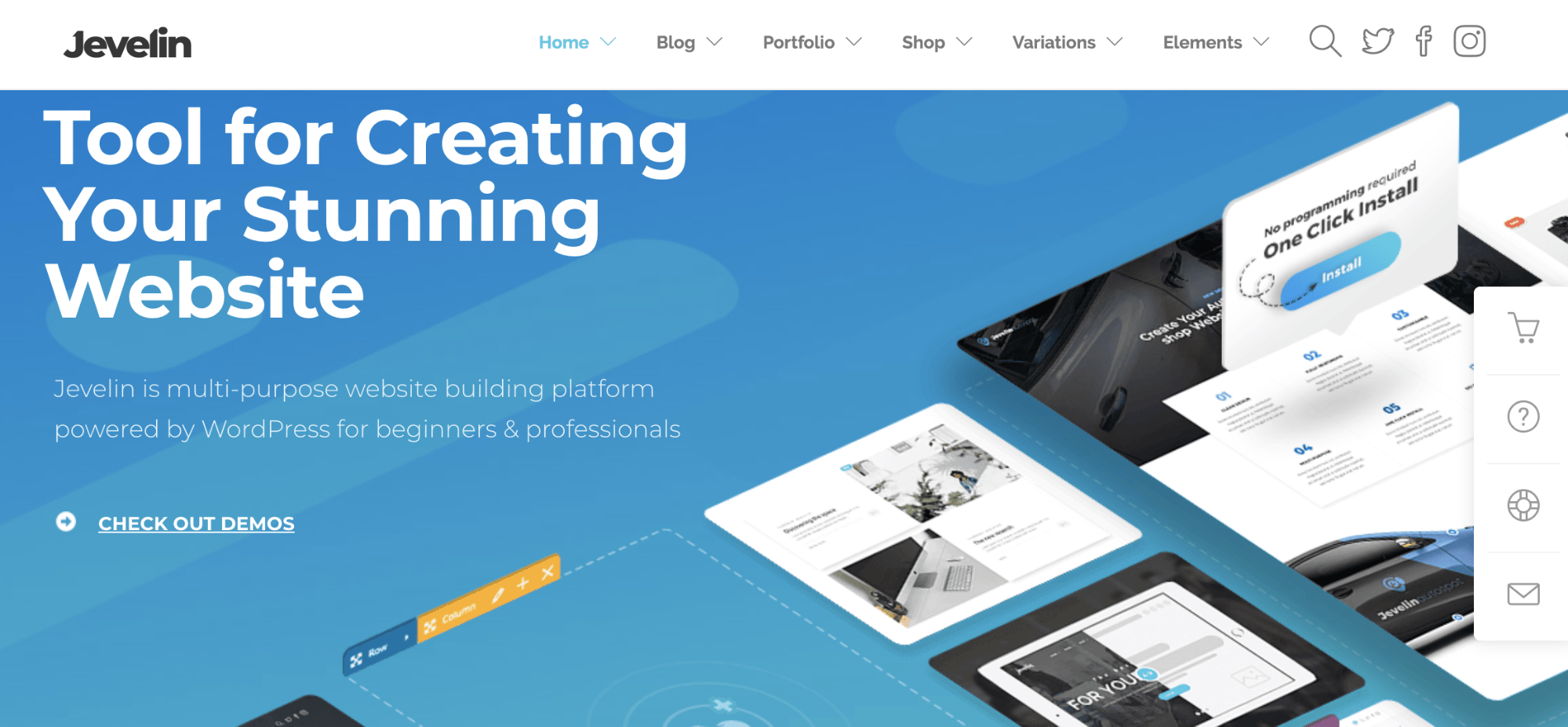
Jevelin

Jevelin is another multi-purpose WordPress landing page template. Some of the top features of this theme include:

  • WooCommerce integration
  • Mobile ready
  • Contact Form 7
  • One click installation
  • SEO friendly
  • RTL optimized
  • 40+ customizable shortcodes

There is a great video installation guide, making it possible for anyone to install Jevelin, even if you don’t have experience adding landing page templates to your WordPress site. The fact that it has built-in capabilities with one of the best WordPress form plugins is another added bonus.

Jevelin has great reviews from website owners who are using this template on their sites.

The drag and drop builder paired with mega menus, custom widgets, social sharing functionality, and ecommerce support make it a popular option. This WordPress landing page template can be bought for just $59.

6. Launchkit

Launchkit

Launchkit is definitely a one size fits all landing page template, which I’m not saying in a negative way by any stretch. I like Launchkit because it can be used for virtually any landing page for any business type.

They offer versatile headers with all different types of media in mind. You can customize headers, CTAs, and forms in a way that positions them for high conversions.

Launchkit has simple colors, so your website always looks good, regardless of the screen size or type that it’s being viewed on.

Top features of Launchkit include:

  • Three header layouts
  • Seven footer layouts
  • Custom logos
  • One click data installer
  • Multilingual support
  • Gravity Forms
  • Contact Form 7

This template comes with more than 600 Google Fonts as well. With that in mind, you should check out my guide on the best Google Fonts that go together on your website.

For the reasonable price of $59, Launchkit is definitely one of the best landing page templates you can find for your WordPress site.

7. The Gem
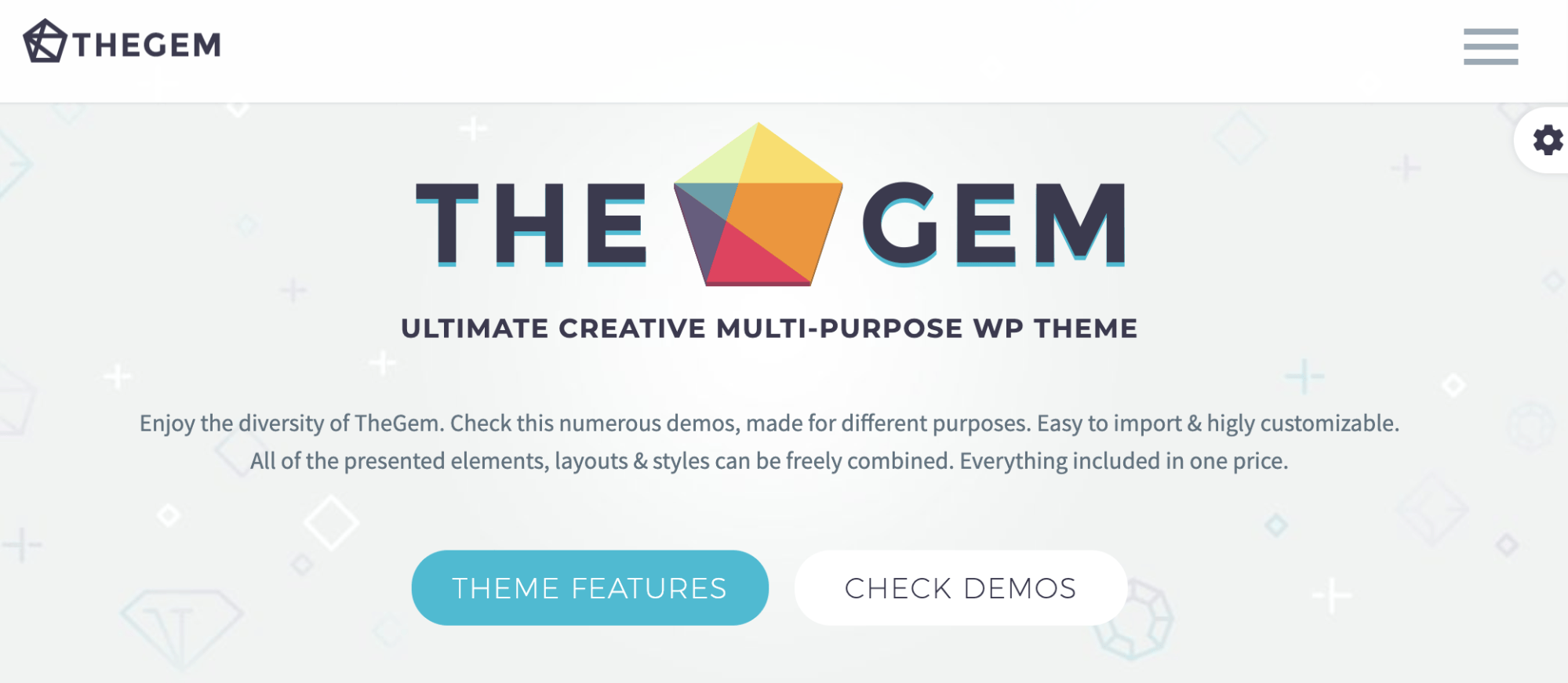
Gem

If you’re looking for a multi-purpose landing page that is optimized for high performance, look no further than The Gem. This template offers a creative design that’s modern and suitable for all different types of websites.

There are more than 70 built-in concepts. So you can find a landing page that fits your needs.

  • Agencies
  • Business and finance
  • Ecommerce shops
  • Portfolios
  • Blogs
  • Mobile apps
  • Cryptocurrencies
  • Real estate
  • Restaurants
  • Gyms
  • Beauty salons
  • Law firms
  • Hotels
  • Nonprofit organizations

These are just some of the many options that showcase the versatility of this WordPress landing page template. It’s fully responsive and looks great on both desktop devices and mobile screens.

The Gem is compatible with WooCommerce, making it a top choice for those of you who have an ecommerce shop.

With the visual composer, you can easily change elements on your landing pages with the drag and drop builder. The template is compatible with plugins and also comes with premium sliders.

You can buy this landing page template for $59.

8. Kallyas
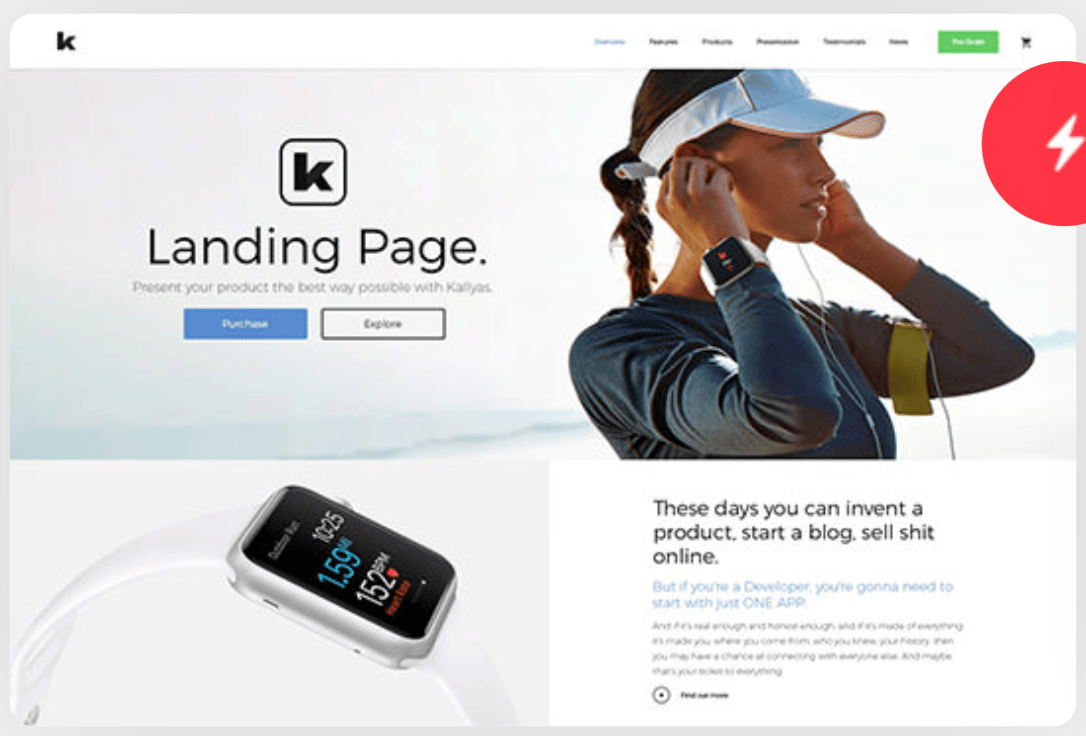
Kallyas

More than 35,000 websites are using Kallyas for landing page templates. They have more than 65 live demos, with new ones coming out each month.

I always like it when landing page templates offer lots of live demos because it makes it easier to give you inspiration for designing your own website. Top benefits of Kallyas include:

  • Fast loading times
  • Quick setup
  • Video tutorials
  • Written tutorials
  • Reliable customer support
  • Visual page builder
  • Free updates for life

The one-click installation makes it easy for you to start editing your website in minutes. They have demos for things like weddings, makeup artists, bloggers, kids websites, membership sites, news, medical, sports, and dozens more.

Kallyas has more than 100 pre-built elements into the template. This gives you seemingly unlimited options when it comes to customizing your landing pages. Kallyas is priced at $69.

9. Softbox
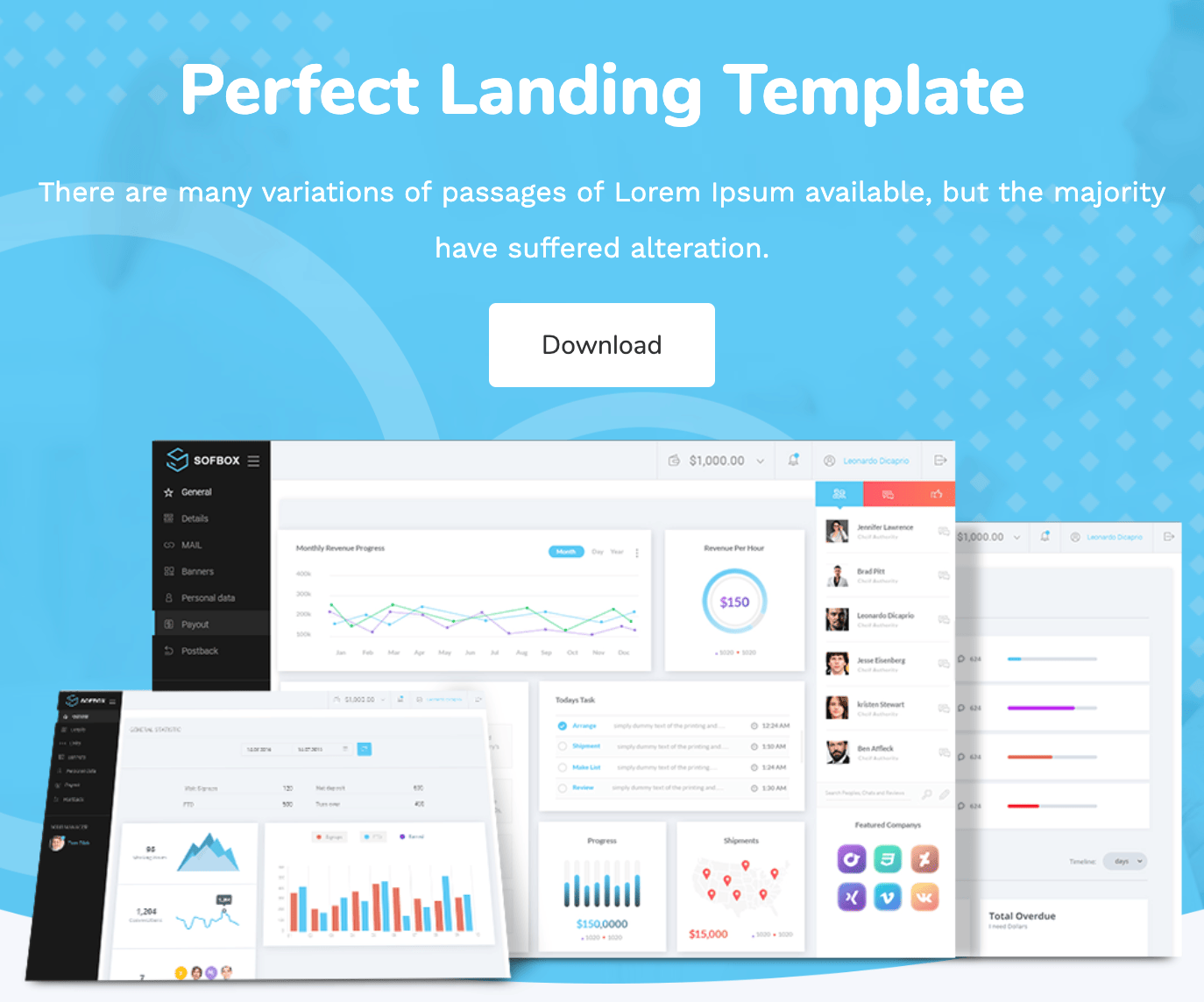
Softbox

Softbox is perfect for those of you who want a clean and professional design for landing pages on your website. It’s easy to choose your layout and customize the elements with some of their pre-built options.

It works on all major web browsers, screens, and devices. Softbox is retina ready and fully responsive. They have templates designed specifically for home pages, blogs, and interior landing pages as well.

In a word, Softbox can be described as simple. But when it comes to your website, simple designs have higher conversion rates.

Compared to some of the other WordPress landing pages on our list, Softbox is offered at a lower price point. This template can be yours for just $39.

10. Fusion
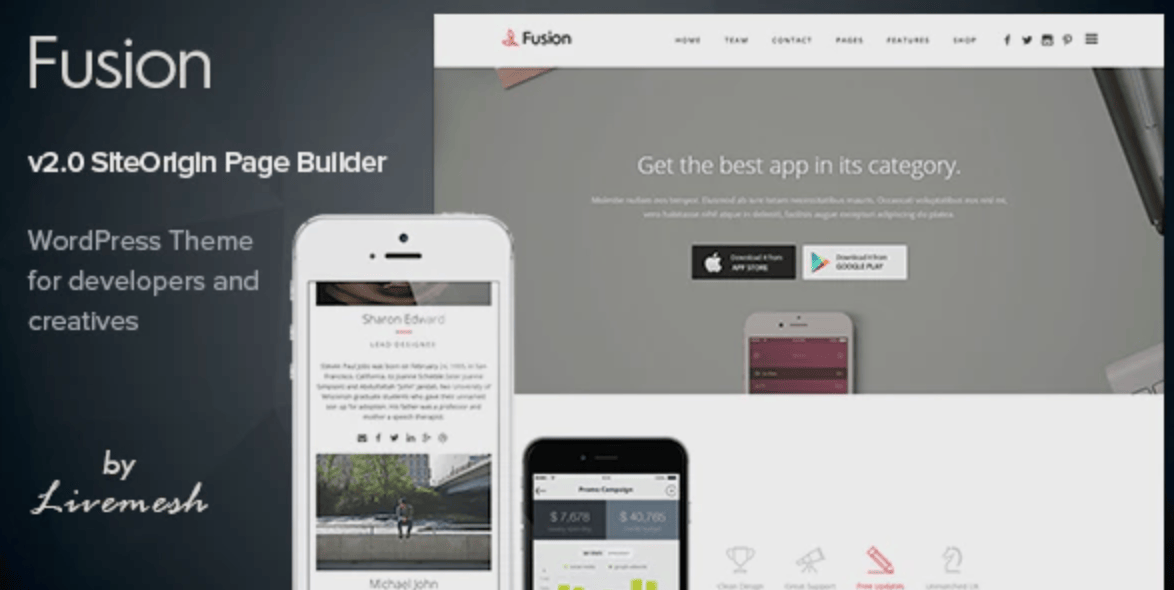
Fusion

The Fusion WordPress template is designed with mobile app landing pages and portfolio landing pages in mind. So if you’re looking to showcase one or both of these things on your website, you should take a closer look at this option.

It’s an ideal solution for agencies and developers. The pages can be set up so that creatives can showcase their products. This holds true for both firms or individuals as well.

The typography is super clean. All of the design elements and whitespace is managed perfectly with this template, so the eyes of your website visitors are always drawn to the right spot on the page.

Fusion has a simple shortcode builder and easy customization. Everything integrates seamlessly into WordPress for you to manage.

This template has more than 1,500 retina icons, a revolution slider, and the ability to create a gallery with captions. It comes with over 500 Google Fonts, Contact Form 7, and an Ajax loading gallery as well.

Fusion costs $49 to install.

11. Leadinjection
Leadinjection

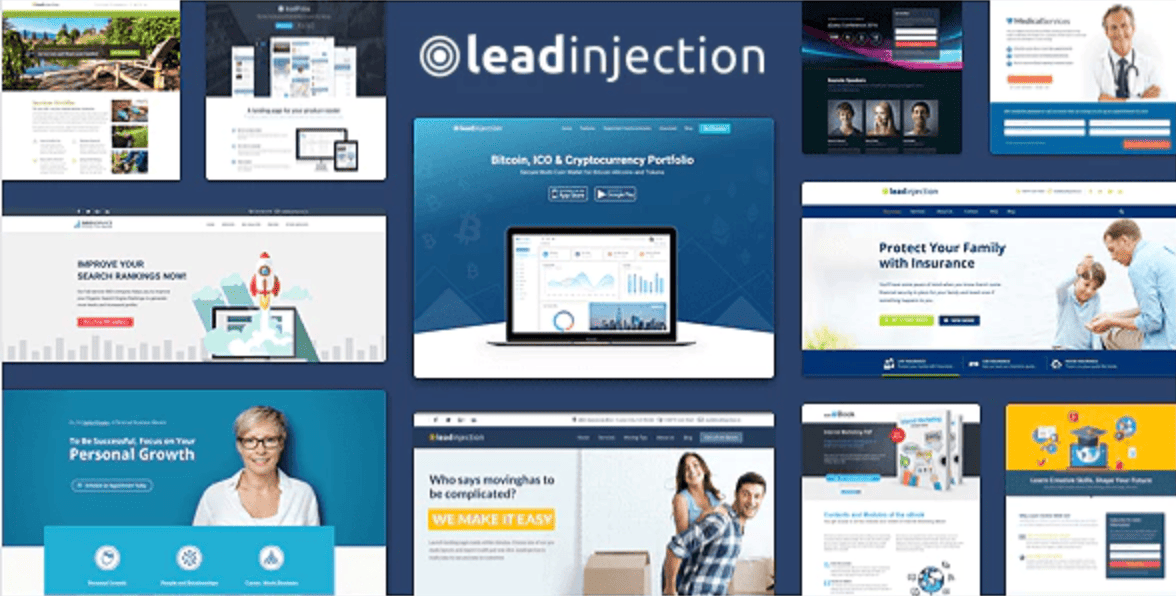
Last, but certainly not least, on our list is Leadinjection. As the name implies, this template is designed especially for generating leads.

They have pre-built layouts for things like:

  • Online courses
  • Mobile apps
  • eBooks
  • Services
  • Medical websites
  • Insurance companies
  • Landscaping businesses
  • Diets and health
  • Cryptocurrencies

As you can see, these lead generation templates are extremely versatile and can fit the needs of nearly any website.

The template comes with a Lead Modal plugin, that’s basically a popup on your site that can be used to generate leads. This can be based on timing, exit intent, or other trigger options.

Leadinjection has all different types of opt-in forms for your landing pages as well. You can fully customize your CTA, and even add a click to call button for your mobile site. If this sounds like the landing page template that you want, it can be purchased for $39.

Conclusion

If you need help designing a landing page for your WordPress website, I’m confident that you can find what you’re looking for somewhere in these options that I’ve listed above.

I tried to include something for everyone on here. Some of these templates are made for multiple purposes, while others are made specifically for things like mobile apps, ecommerce, or lead generation.

Price is another factor that you can take into consideration when making this decision. While there are some free WordPress landing page templates, the rest tend to be priced between the $39 and $69 range.

So keep this list in mind when you’re on the search for the perfect WordPress landing page template.


from Quick Sprout https://ift.tt/2RPXxZL
via IFTTT

Search Buzz Video Recap: Google Algorithm Update, Social Profile Markup, Mobile-First Indexing, Search Console & Tests vs Bugs

This week in search we had a possible Google algorithm update touch down yesterday, June 27th. Google removed support for social profile markup specifically with the knowledge panels...


from Search Engine Roundtable https://ift.tt/2Xg9e1y
via IFTTT

5 Ways to Create the Optimal Customer Experience on Your Website

I am sure most people have quit while waiting for a website page to load. Waiting is a hassle; we all expect fast-loading sites—anything less isn’t worth the wait in today’s time-poor world. If your website is like this, then you probably haven’t upgraded or even thought about your website for a little while now.

And that’s why website speed is an essential part of your site’s performance. Whether your goal is reducing customer care calls, getting more targeted leads or being the hub of your digital strategy, website optimization can make your site more effective in achieving those goals.

Most consumers state that load time is an important factor when it comes to searching for information online. According to Google, 53% of mobile phone visits are abandoned if the page takes more than three seconds to load. Moreover, the study suggested that fast websites generate higher revenue. Mobile sites which take a maximum of five seconds to load earn two times more ad revenue than those loading for 19 seconds.

Furthermore, Google asked users whether they would prefer 30 or 10 search results to be served up per page. When Google incorporated 30 results to a few search pages, the traffic dropped by 20%, and the page load time between the two result pages was only half a second. If half a second has such an impact on traffic, imagine the difference it would make if you reduce your site’s load time by three seconds.

Key aspects of website performance optimization

Hosting

There are several important web hosting factors to consider when choosing whether to stay with your existing provider or move to a new provider. It goes without saying that you must make sure the hosting service has a dedicated 24×7 customer service. Check out reviews of their service on third-party review sites as well. Make sure there are no common themes in complaints as that would suggest there is likely to be a similar issue for you.

When browsing, you are trying to access remotes files found in web servers and the faster the computer, the faster one accesses the requested pages. The same applies to web hosting: effective web hosts invest in web server architecture to make sure that every page on those web servers run at full speed. Additionally, look for more advanced hosting packages that come with enhanced memory and increased power. Enhanced resources boost the speed of your websites because requests are executed more quickly. Advancing from shared web hosting to better plans will also do the trick.

Studies have found that 47% of consumers expect a web page to load within two seconds or less, with 40% abandoning a website that takes more than three seconds to load. There are lots of valuable guides and tips about there to speed up your site whether you need to speed up a WordPress website or any of the other content management systems out there such as Umbraco, Drupal, and so on. Speed really is king, so do what you can to improve yours.

Size of images

Files and images are crucial tools for your site as they help increase conversions, elicit your audience’s emotion, and tell stories about your site. It would be hard to develop an effective website without using visual content. The primary roles of using images on your website should be to improve the user experience and also enhance your content marketing. If the images negatively impact your site’s performance, then you need to fix this ASAP as Google will also start punishing your site by ranking it lower.

Also, consider “page bloat.” As new technology and new methods come along for content marketing and lead generation, try to avoid cramming too much onto one page. Images, scripts, flash, HTML, stylesheets, forms, video and so on—one page could have all of these on them. Try to avoid this. Simple, clean, and easy to understand is the best approach.

Images can often be quite a problem for load speed. If images are not properly optimized, they tend to consume valuable page loading time and contribute to providing a poor experience for your website visitors. Optimizing images helps boost your website speed and performance—the larger the file size of the image, and the less optimized they are, the slower a site will load and the worse it will perform. It’s as simple as that.

When selecting a file type, consider the purpose of your image and what it consists. Choose the format which results in the smallest size while retaining the quality. Furthermore, ensure you choose the right dimensions. Identify where the images will be used on your website and make sure they are not larger than needed for that space. Your hosting provider will be able to advise on not just how best to optimize them.

Apps/Plug-ins

Plugins offer different features and functionality. Some plugins load assets on the front-end such as images, JavaScript files, and CSS stylesheets while others are used in making database calls on the back-end. Most plugins need HTTP requests to load assets, and each request impacts your website’s page load time.

When website plugins are installed and set up properly, their impact on website speed is minimal. However, a conflict between plugins can negatively impact your website speed the same way as failing to keep them updated. Moreover, if you are using too many plugins that are making a lot of requests to load assets and files, or your plugins are not up-to-date, then your site’s user experience and performance will be negatively affected.

Mobile-first

Mobile-first can be described as the as a way of designing a mobile version of your site before the desktop version. Responsive design is ok, but mobile-first is ideal.

Mobile-first has three key benefits:

  • It improves the user experience for your website
  • Performs incredibly for backward compatibility
  • Google loves mobile-first websites and favors them in search engine results pages.

This means that even before coding and designing your website, gear your focus towards a great mobile design to get a better, simpler and faster web experience across all screens and devices. Aside from most of us browsing and searching on mobiles more than desktops now, Google’s mobile-first indexing is changing the game—this means that Google is crawling and indexing the mobile version of a site instead of the desktop version.

Content Delivery Networks (CDNs)

CDN is a geographically located server which host copies of your website’s resources to deliver content based on the user’s location. CDN shortens the RTT (round trip time) of your content and brings it closer to the geographical location of your site visitor.

When online users request specific content from your website, the content delivery networks look for the most optimal edge note which can fulfill the requests. This means that automatically choosing servers that are closest to the requesting user, are least expensive, and have the highest capacity.

Conclusion

Aberdeen Group conducted a study which found that one-second delay in a page load time leads to 11% fewer page views, 7% loss in conversions, and a 16% decrease in customer satisfaction. The findings imply that page load times directly impact sales, search engine optimization, as well as overall customer experience.

The fact that many customers say that they will never return to a slow site means that you should keep them happy by using proper website performance tools and incorporating the aspects mentioned above. You’ll be surprised at the difference it makes to not just your overall website traffic, but all key website metrics.

The post 5 Ways to Create the Optimal Customer Experience on Your Website appeared first on Marketo Marketing Blog - Best Practices and Thought Leadership.


from Marketo Marketing Blog https://ift.tt/2FEbi8J
via IFTTT

5 Ways to Create the Optimal Customer Experience on Your Website

I am sure most people have quit while waiting for a website page to load. Waiting is a hassle; we all expect fast-loading sites—anything less isn’t worth the wait in today’s time-poor world. If your website is like this, then you probably haven’t upgraded or even thought about your website for a little while now.

And that’s why website speed is an essential part of your site’s performance. Whether your goal is reducing customer care calls, getting more targeted leads or being the hub of your digital strategy, website optimization can make your site more effective in achieving those goals.

Most consumers state that load time is an important factor when it comes to searching for information online. According to Google, 53% of mobile phone visits are abandoned if the page takes more than three seconds to load. Moreover, the study suggested that fast websites generate higher revenue. Mobile sites which take a maximum of five seconds to load earn two times more ad revenue than those loading for 19 seconds.

Furthermore, Google asked users whether they would prefer 30 or 10 search results to be served up per page. When Google incorporated 30 results to a few search pages, the traffic dropped by 20%, and the page load time between the two result pages was only half a second. If half a second has such an impact on traffic, imagine the difference it would make if you reduce your site’s load time by three seconds.

Key aspects of website performance optimization

Hosting

There are several important web hosting factors to consider when choosing whether to stay with your existing provider or move to a new provider. It goes without saying that you must make sure the hosting service has a dedicated 24×7 customer service. Check out reviews of their service on third-party review sites as well. Make sure there are no common themes in complaints as that would suggest there is likely to be a similar issue for you.

When browsing, you are trying to access remotes files found in web servers and the faster the computer, the faster one accesses the requested pages. The same applies to web hosting: effective web hosts invest in web server architecture to make sure that every page on those web servers run at full speed. Additionally, look for more advanced hosting packages that come with enhanced memory and increased power. Enhanced resources boost the speed of your websites because requests are executed more quickly. Advancing from shared web hosting to better plans will also do the trick.

Studies have found that 47% of consumers expect a web page to load within two seconds or less, with 40% abandoning a website that takes more than three seconds to load. There are lots of valuable guides and tips about there to speed up your site whether you need to speed up a WordPress website or any of the other content management systems out there such as Umbraco, Drupal, and so on. Speed really is king, so do what you can to improve yours.

Size of images

Files and images are crucial tools for your site as they help increase conversions, elicit your audience’s emotion, and tell stories about your site. It would be hard to develop an effective website without using visual content. The primary roles of using images on your website should be to improve the user experience and also enhance your content marketing. If the images negatively impact your site’s performance, then you need to fix this ASAP as Google will also start punishing your site by ranking it lower.

Also, consider “page bloat.” As new technology and new methods come along for content marketing and lead generation, try to avoid cramming too much onto one page. Images, scripts, flash, HTML, stylesheets, forms, video and so on—one page could have all of these on them. Try to avoid this. Simple, clean, and easy to understand is the best approach.

Images can often be quite a problem for load speed. If images are not properly optimized, they tend to consume valuable page loading time and contribute to providing a poor experience for your website visitors. Optimizing images helps boost your website speed and performance—the larger the file size of the image, and the less optimized they are, the slower a site will load and the worse it will perform. It’s as simple as that.

When selecting a file type, consider the purpose of your image and what it consists. Choose the format which results in the smallest size while retaining the quality. Furthermore, ensure you choose the right dimensions. Identify where the images will be used on your website and make sure they are not larger than needed for that space. Your hosting provider will be able to advise on not just how best to optimize them.

Apps/Plug-ins

Plugins offer different features and functionality. Some plugins load assets on the front-end such as images, JavaScript files, and CSS stylesheets while others are used in making database calls on the back-end. Most plugins need HTTP requests to load assets, and each request impacts your website’s page load time.

When website plugins are installed and set up properly, their impact on website speed is minimal. However, a conflict between plugins can negatively impact your website speed the same way as failing to keep them updated. Moreover, if you are using too many plugins that are making a lot of requests to load assets and files, or your plugins are not up-to-date, then your site’s user experience and performance will be negatively affected.

Mobile-first

Mobile-first can be described as the as a way of designing a mobile version of your site before the desktop version. Responsive design is ok, but mobile-first is ideal.

Mobile-first has three key benefits:

  • It improves the user experience for your website
  • Performs incredibly for backward compatibility
  • Google loves mobile-first websites and favors them in search engine results pages.

This means that even before coding and designing your website, gear your focus towards a great mobile design to get a better, simpler and faster web experience across all screens and devices. Aside from most of us browsing and searching on mobiles more than desktops now, Google’s mobile-first indexing is changing the game—this means that Google is crawling and indexing the mobile version of a site instead of the desktop version.

Content Delivery Networks (CDNs)

CDN is a geographically located server which host copies of your website’s resources to deliver content based on the user’s location. CDN shortens the RTT (round trip time) of your content and brings it closer to the geographical location of your site visitor.

When online users request specific content from your website, the content delivery networks look for the most optimal edge note which can fulfill the requests. This means that automatically choosing servers that are closest to the requesting user, are least expensive, and have the highest capacity.

Conclusion

Aberdeen Group conducted a study which found that one-second delay in a page load time leads to 11% fewer page views, 7% loss in conversions, and a 16% decrease in customer satisfaction. The findings imply that page load times directly impact sales, search engine optimization, as well as overall customer experience.

The fact that many customers say that they will never return to a slow site means that you should keep them happy by using proper website performance tools and incorporating the aspects mentioned above. You’ll be surprised at the difference it makes to not just your overall website traffic, but all key website metrics.

The post 5 Ways to Create the Optimal Customer Experience on Your Website appeared first on Marketo Marketing Blog - Best Practices and Thought Leadership.


from Marketo Marketing Blog https://ift.tt/2FEbi8J
via IFTTT

Potential Google Search Ranking Algorithm Update On June 27th

I am seeing chatter within the SEO community throughout the past 24 hours and many of the automated Google tracking tools seem to be corroborating with that chatter that there may have been a Google update yesterday. Now, Google has not confirmed this update - so it is likely not a core update but might be something else going on.


from Search Engine Roundtable https://ift.tt/2Ykjsuj
via IFTTT

Google Might Be Testing A Text Based Button In Its Search Box

Google might be testing, or it might be a bug, or some browser issue, I am not 100% sure, a text based search button in its search box. So instead of the magnifying glass in the search box, there is a text based button or link that says "Search."


from Search Engine Roundtable https://ift.tt/2X9nGDw
via IFTTT